 Aisle
Private Wedding & Event Livestreaming
Livestream the wedding. Keep it private.
Your cameras, your guest list, one link and a short code. The family who can't be there watches live, and the day stays yours from the vows to the last dance.
Free while the founding pilot runs. About two minutes to set up.
For the people who can't be there
She's in the front row, from nine time zones away.
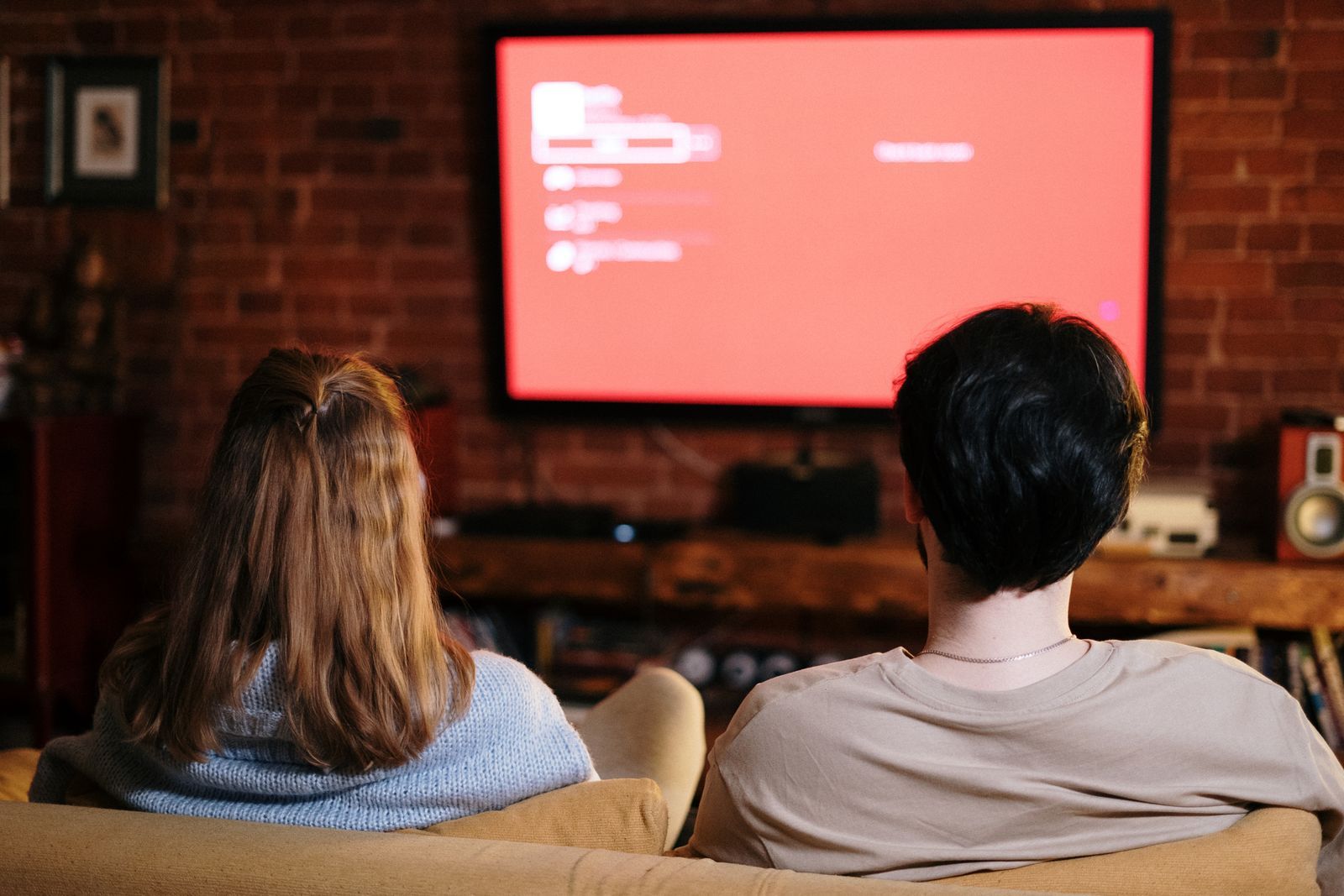
Somebody's grandmother is on hotel Wi-Fi. Somebody's brother is watching from a night shift break room. They open the link, type the code from the invitation, and they're watching, usually inside a minute. No app to install. No account. Nobody collects their email on the way in.
Missed it live? The replay sits on the same link for 7 days.
The guest side had one design rule: a grandparent on hotel Wi-Fi should be watching within a minute of opening the message. The link opens in any browser, on a phone, a tablet, a laptop, or the TV in a hotel room. The code is a few characters from the invitation. Nobody downloads anything, and nobody's email address gets collected along the way.
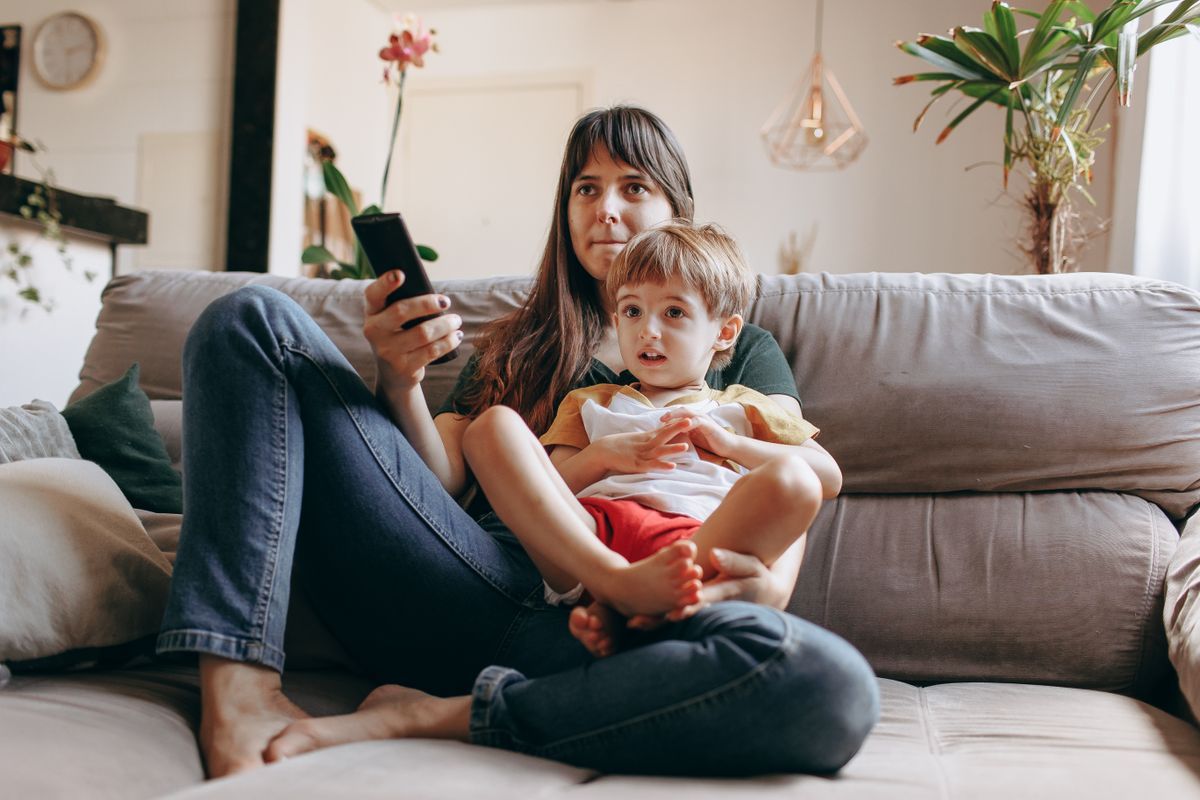
- The code is the lock. Share the link anywhere you like; it opens for nobody who does not have it.
- Guests join from wherever they are, on whatever connection they have. The picture steps up or down with their network.
- Anyone who missed it live, or lives nine time zones away, watches the replay on the same link for 7 days.
Watch on the TV
The whole living room watches together.
A wedding lands better on the big screen. Guests use the same link and the same code, and there is a route to the TV for nearly every living room, smart TV or not.
- In the TV's browser. Many smart TVs have one, and it is worth a try: open the guest link, type the code from the invitation, and press play. Some TVs handle it better than others, and a Roku TV cannot open a web link at all, so this is the first try, not the only way.
- Send it from a phone. Open the link on a phone, then cast it or AirPlay it to the TV. Sending the stream beats mirroring the phone screen: no notifications popping up over the vows, and the phone battery lasts the day.
- The way that never fails: a cable. A laptop plugged into the TV with an HDMI cable works on any TV with an HDMI port, smart or not. Open the link on the laptop and the whole room is watching.
- An older TV gets a brain. A streaming stick plugged into the back, a Fire TV Stick, a Chromecast or a Roku, gives an ordinary TV the apps and casting the newer sets have built in.
The one honest limit: we cannot put a picture on a TV that has nothing connected to it. But if there is a stick, a box, a laptop or a phone in the house, there is a way.
A wedding is not public content
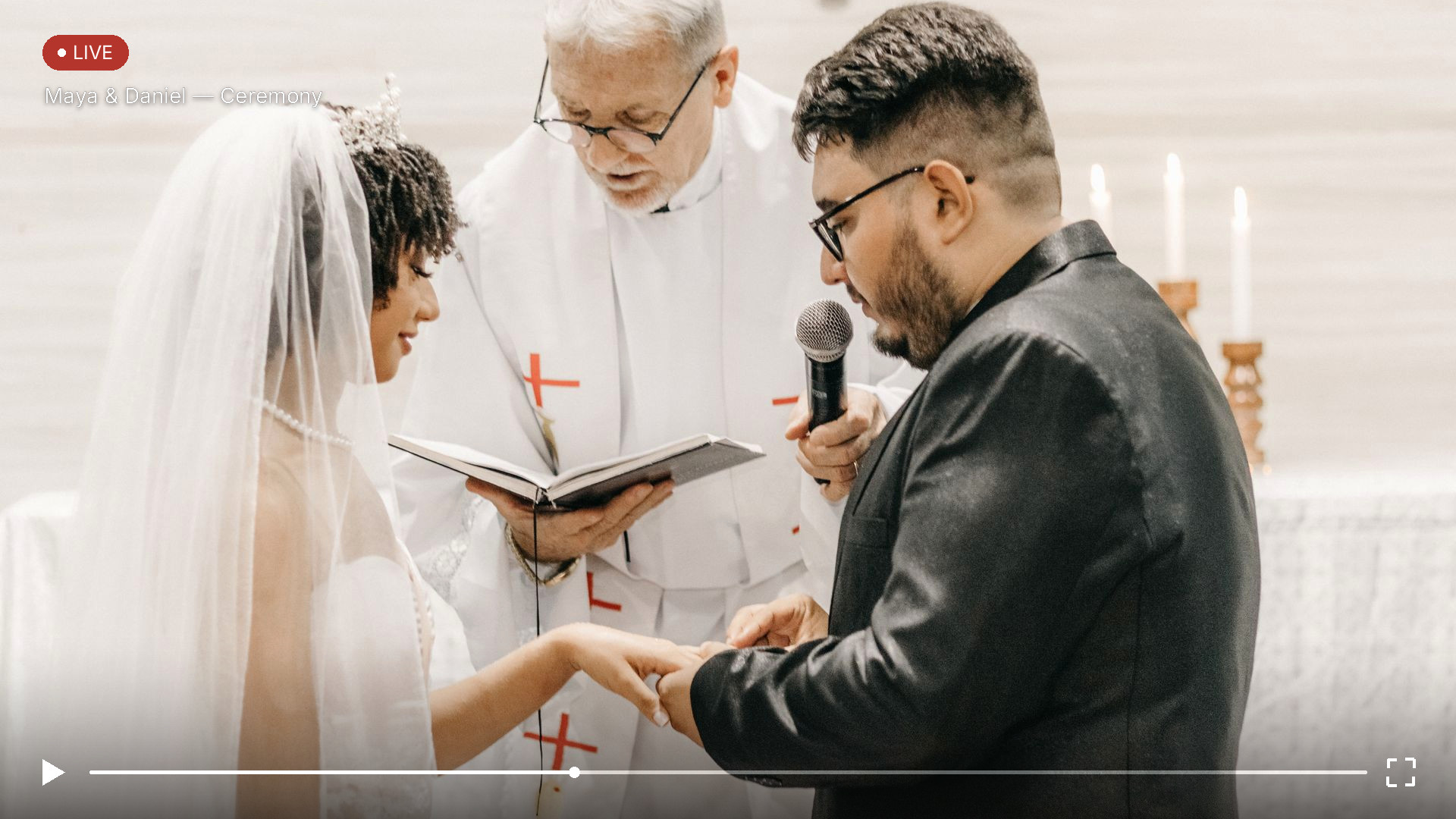
“A wedding has a guest list. So should its livestream.”
The whole idea, in two sentences.
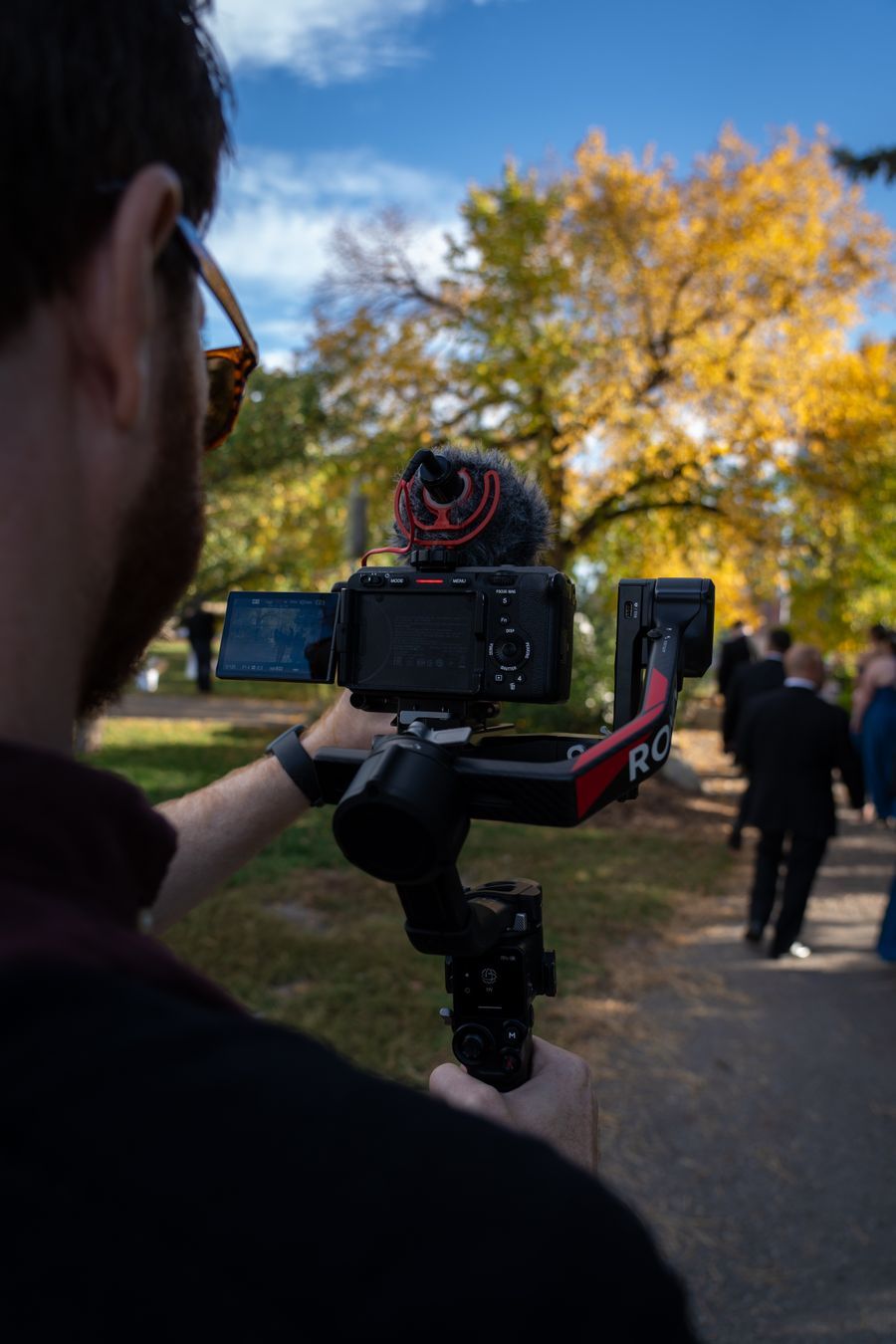
Made for a guest list, not an audience of millions.
The big video sites are built for the public internet: public pages, ads, recommendations, and rules written for content meant for everyone. A wedding is the opposite of that. It is a room full of people who were invited.
On a public platform your event sits on a public page, beside ads and whatever gets lined up to play after it. The link can travel anywhere, and the day gets treated as content, with everything that comes with being content.
Here, an event is a private room. The link opens the page and the code is the lock, so the only people watching are the people you invited. Nothing is listed, searched, or recommended. There are no ads, and there is no audience but yours.
That is the whole design. A day that was planned guest by guest gets watched guest by guest, start to finish, by the people who were always meant to see it. Private in, private out.
How it works
Three steps. Two of them take a minute.
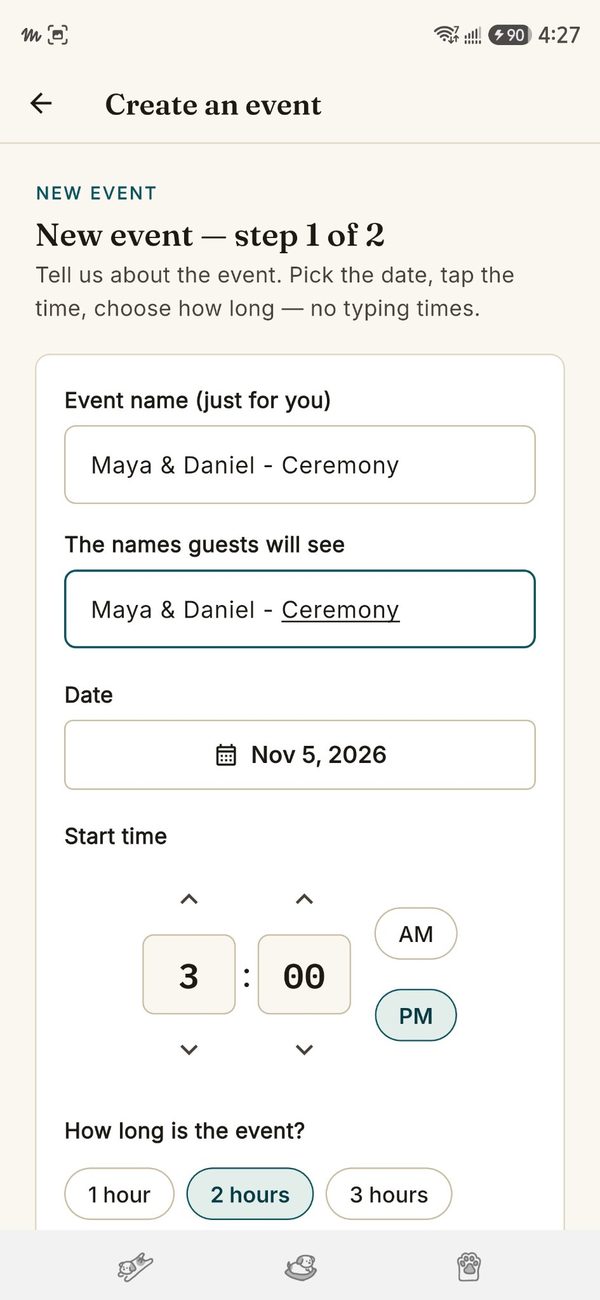
Create the event
Name it, set the date and the hours, pick the quality. You get back a guest link and a short guest code. The link goes wherever guests already look: the invitation, the couple's wedding site.
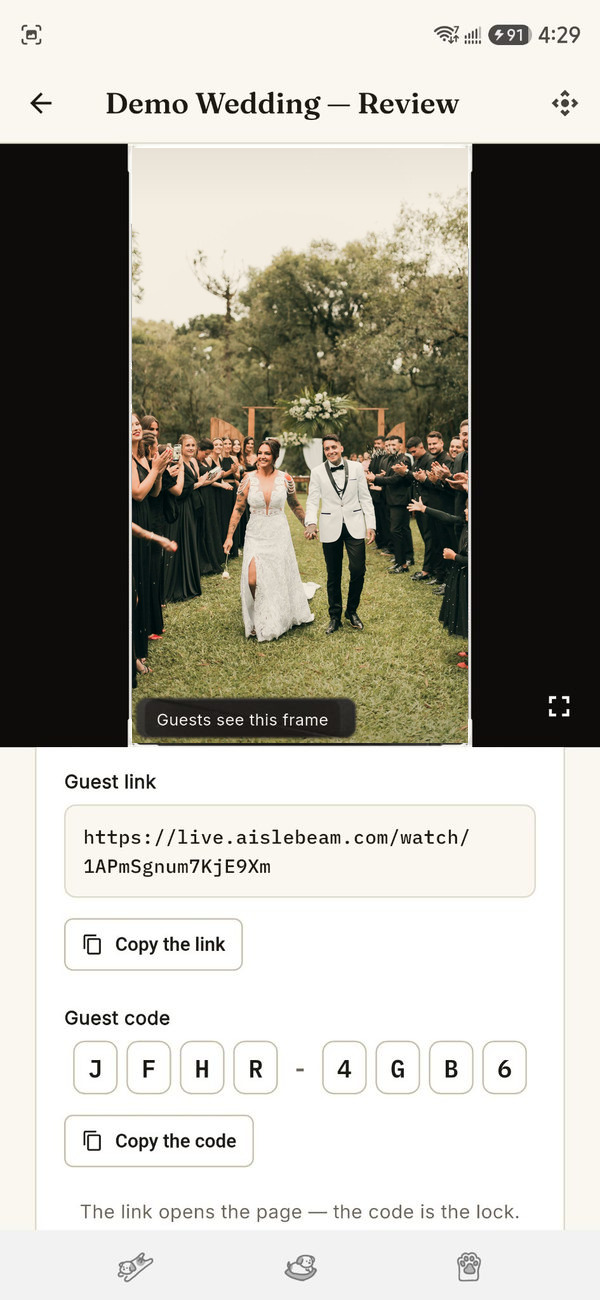
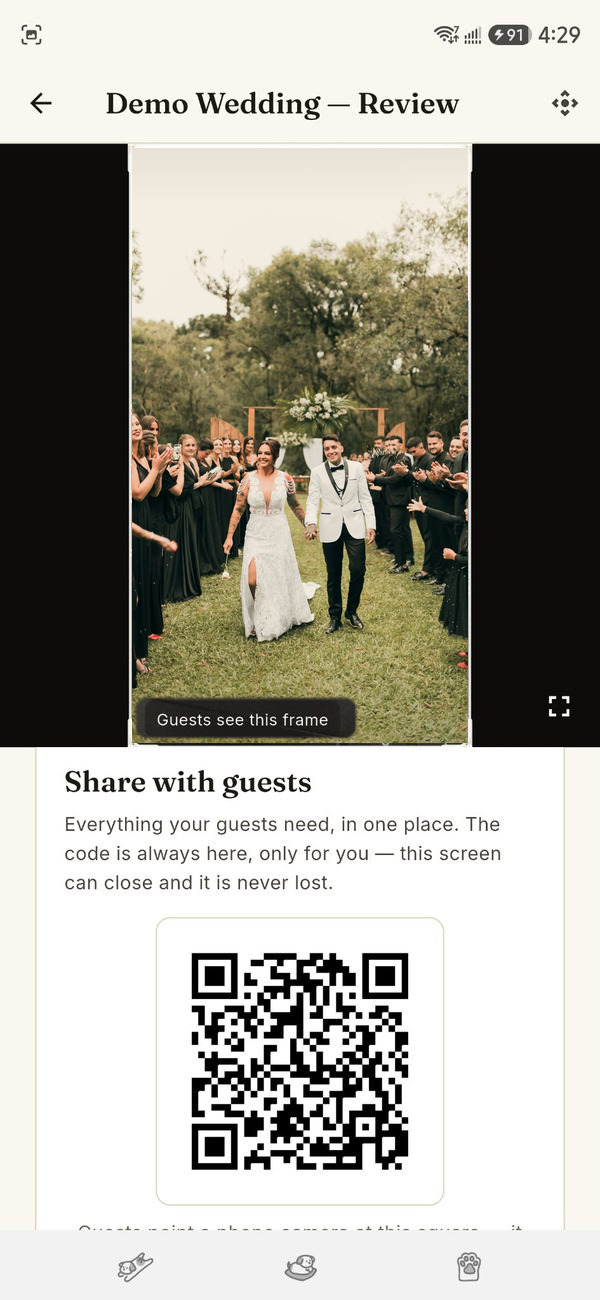
Guests type the code
No app, no account, no password to forget on the day. The link alone does nothing without the code, so the audience stays the people who were actually invited. Share the link and the code, with a QR square for printed invitations.
You stream. It records itself.
Run the day from the console with phones as cameras, or stream from one phone in the corner. The program feed records as it goes, and when the lights come up, the replay is waiting on the same link.
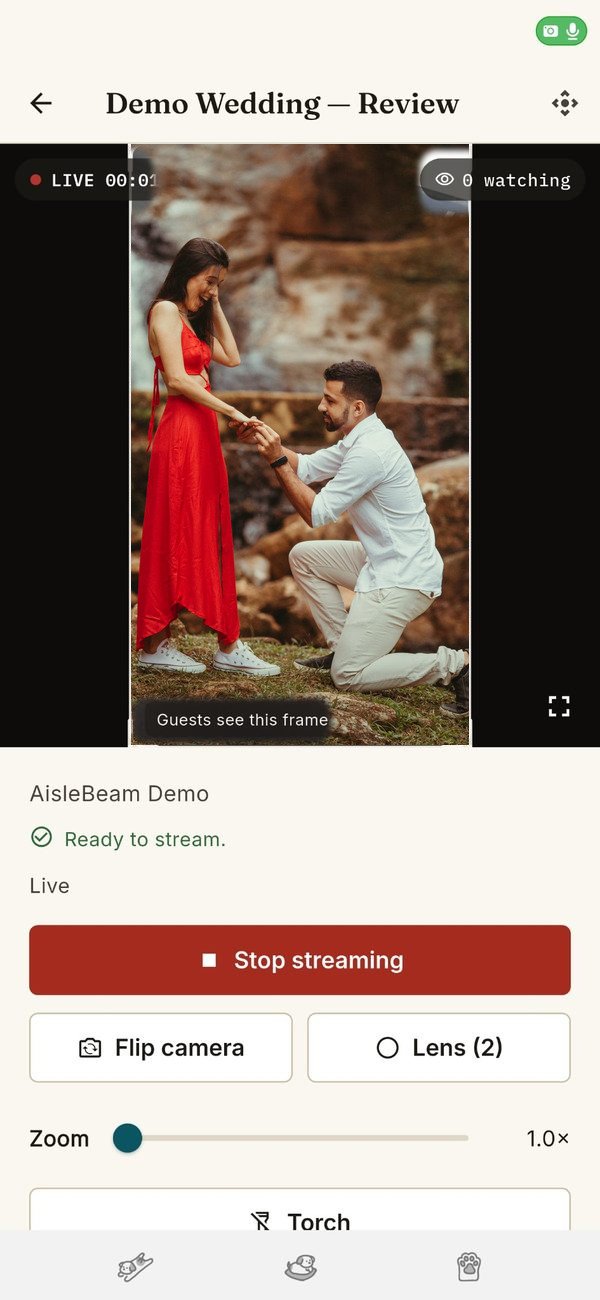
The console
Four cameras, one laptop, nobody running cables.
The console runs in the browser on a venue laptop. Up to four phones join as wireless cameras. You switch with keys or clicks, cut to a video you loaded that morning, and watch the same program feed your guests are watching.
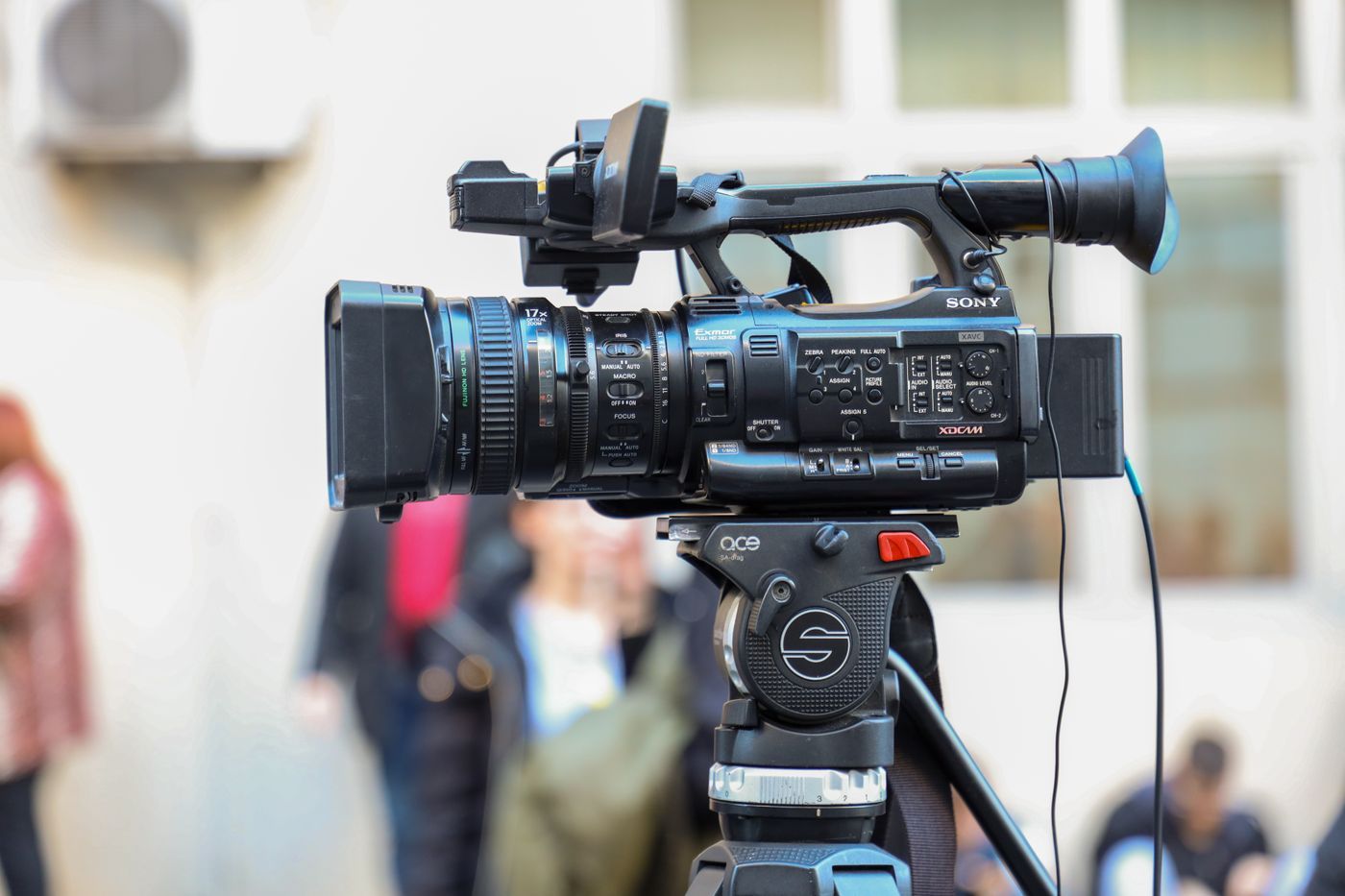
Drops are handled, quietly
If a camera drops, the program holds. If every camera drops, guests see a card with your name on it instead of an error message. A camera that comes back cuts back in on its own. The day is stressful enough without the software adding to it.
Your name on it, not ours
Your name sits on the guest pages and on the fallback card. People hired you, so you are who their family sees. We stay in the engine room.
Honest about quality
Three quality tiers: 720p, 1080p and 4K. The stream adapts to the connection it has, stepping up when the connection allows and holding steady when it doesn't. Smooth beats sharp when the two fight, and if your connection allows it, it will work.
Multi-camera
How multi-camera works
One phone is a camera. Four phones are a crew, and nobody ran a cable to any of them.
- Each phone joins as a camera. A camera joins the event the same way a guest does, with its own join link and code, and it takes its camera slot. It connects over the internet, on venue Wi-Fi or its own mobile data, so a camera at the far end of a farm joins as easily as one beside the console. Set it on a tripod or a shelf and walk away.
- The console sees Camera 1 to 4. On the console laptop, every joined phone shows up as a named camera, its picture live, next to any video loaded that morning.
- The operator switches. Keys or clicks cut between the cameras. Guests see one steady program the whole time, never the switching, and a camera that drops and comes back cuts back in on its own.
Pricing
Pick the quality. Then pick the length.
Start with the picture you want, then choose how long you need us for. The quality is priced in the open, not buried inside another package.
Direct stream quality, priced by the hour
For a phone streaming direct, the 720p and 1080p rates stay flat for the whole booking, however many hours you choose. Four K plays a longer game: its rate steps down as the hours add up, so a long day in 4K lands at the 1080p rate.
720p
CA$69.99
An hour, every hour. The rate never changes with the length of the day.
1080p
CA$79.99
An hour, every hour. Only $10 more than 720p, for the sharper picture most guests expect.
4K
CA$99.99
An hour to start, stepping down as the day gets longer. By four hours you are at CA$79.99 an hour, the 1080p rate, and past four hours 4K settles at CA$75 an hour.
One thing 4K asks for is a connection that can carry it, yours where you are streaming and your guests' where they are watching. On a strong connection, guests see true 4K. Where a connection is weaker, the picture steps down on its own so the stream never stalls, then steps back up when it can. Nobody touches a setting, and the day never stops for a spinning circle.
The Studio suite, by the length of the day
The studio suite is CA$100 for the first hour, and the rate drops the longer the day runs. Four hours, ceremony through first dances, is CA$300. Up to 200 guests are included, and the replay is free for a week.
1 hour
CA$100
2 hours
CA$180
3 hours
CA$240
4 hours
CA$300
After that · CA$75 an hour
A full 12-hour wedding day is CA$900. The rate never drops below CA$75 an hour, because a stream hour is a stream hour. Long days are welcome.
Audience, stated plainly. Up to 200 guests are included on Studio. Up to 1,000 guests adds $150. Your signup states a concurrent viewer cap, and if the day runs bigger than planned, overage is CA$25 per 1,000 concurrent-viewer-hours past the cap, billed after. The stream is never cut off mid-event because too many people showed up.
Hours that split. Days that repeat.
A booking is a session: one day, a set number of hours, and the hours do not have to run in one block. Pay for four hours on a Saturday and use two for the ceremony in the morning and two for the reception at night. Inside the day, you can split the hours into as many events as you like. You paid for four hours, not for the twelve the clock shows.
Book one session at a time, or stack them. Studios live on weekends: Saturday and Sunday as two sessions in one purchase, or the whole season at once. On any booking of four sessions or more, every hour prices at the CA$75 floor rate from the first hour, the rate a long day reaches anyway. A two-hour session drops from CA$180 to CA$150. And a full season paid up front earns a further 10% off: a year of four-hour weekends is CA$28,080 once, instead of CA$31,200 spread across the year.
Founding studios
Free while we finish building it with you.
The platform is young, and we'd rather have working studios telling us what's wrong than guess from a desk. So founding studios stream free while the pilot runs.
When billing switches on, the rate on the ladder the day you joined is locked as your founding rate, and it stays there. Not free forever, and we'd rather say that plainly: free during the pilot, your locked rate after.
In return we ask for the one thing money can't buy at this stage: tell us honestly how the day went.
Straight answers
The questions everyone asks first
Is our event public anywhere?
No. Your event is never listed, searched, or recommended, and it does not sit on a public page. The only way in is the link and the code you hand out, and the replay lives at the same private address. If you do not send the link, nobody finds the day.
How do guests watch? Do they need an app?
Neither an app nor an account. Guests open the event link in any browser, type the short code from their invitation, and watch. The link on its own does nothing without the code, which is what keeps the audience to the people the couple actually invited.
What happens if a camera or the connection drops?
Guests do not see an error page. If every camera drops, they see a card with your name on it while things reconnect, and a camera that comes back cuts back in on its own. The replay is built from the program feed, so an interruption shows in the replay as a held card, not a hole in the day.
How long do guests get the replay?
Seven days on the same link and code, free. Keeping it longer is optional and cheap, and you can download the master for the edit. The numbers are on the pricing page.
Start this week
Your next wedding could be the test.
Make the account, create a short test event, and stream the room you're sitting in for ten minutes. If it behaves there, it's ready for a Saturday.
Free during the founding pilot. You sign up and pay here on the website when billing opens; the apps are for signing in and shooting.